.svg)


What Should a Nonprofit Website Include? [Checklist]
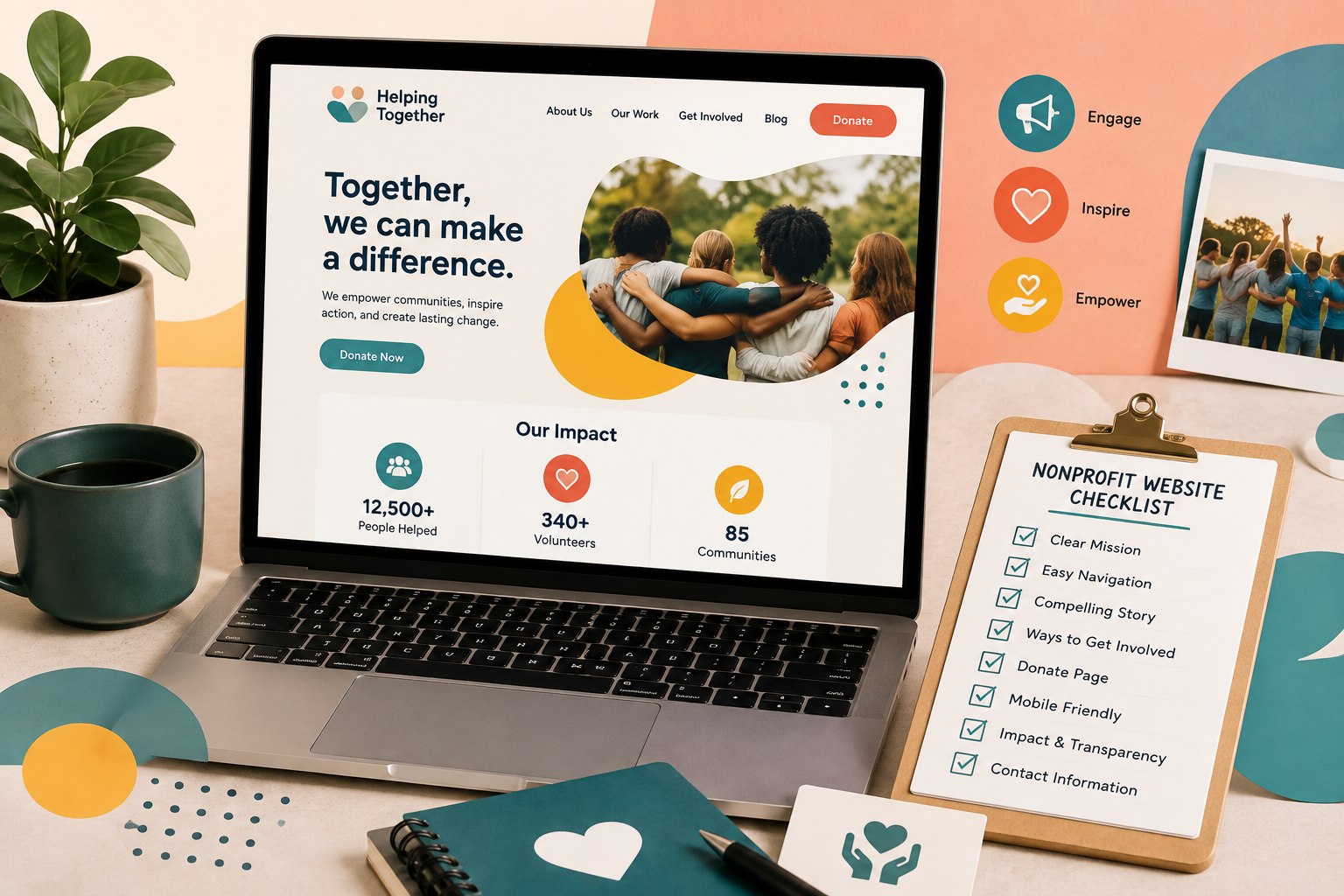
A nonprofit website should make it easy for visitors to understand the organization, trust its work, and take action. That means clearly explaining the mission, programs, and impact while giving people simple ways to donate, volunteer, access services, or get in touch.
The strongest nonprofit websites combine useful content with clear navigation, accessible design, strong calls to action, and reliable functionality. The recommendations below also reflect patterns we have seen across nonprofit website projects for organizations including Positive Impact Health Centers, the California Native Plant Society, and Metro Hort. Whether you are building a new site or reviewing an existing one, this guide covers the most important nonprofit website features and best practices to consider.
1. A clear mission and purpose
Visitors should be able to understand what your nonprofit does within a few seconds of arriving on the website. Your homepage should clearly communicate what your organization does, who you serve, and why your work matters.
A concise mission statement is usually more effective than a long explanation filled with internal terminology. Supporting copy can provide more detail, but the main message should be easy to understand at a glance. The goal is not to explain everything immediately. It is to give visitors enough context to understand the organization and encourage them to keep exploring.
2. Programs and services
People visiting a nonprofit website often want to know exactly what the organization provides. Create clear pages for your programs, services, initiatives, or focus areas. Depending on the organization, these pages may include who the program is for, what support or services are available, where the program operates, eligibility requirements, how to apply or participate, and relevant contact information.
Avoid describing programs only from an internal perspective. Focus on the information that a potential participant, donor, partner, or community member would actually need. If your organization offers several programs, group them logically so visitors can quickly find the most relevant option.
3. Evidence of your impact
A mission explains what your nonprofit hopes to achieve. Evidence of impact shows what the organization is actually accomplishing. Useful ways to demonstrate impact include measurable results, impact statistics, annual reports, case studies, success stories, testimonials, program outcomes, and research or evaluation findings.
Stories can also make statistics more meaningful. A combination of numbers and real examples helps visitors understand both the scale and human impact of the organization's work. Keep impact information accurate and up to date. Outdated statistics can weaken credibility instead of strengthening it.
4. An informative About page
An About page helps visitors understand who is behind the organization and how it developed. Depending on the nonprofit, the page may include organization history, mission and values, leadership, team members, board members, partners, locations, and organizational milestones.
The page should provide enough background to establish credibility without becoming a lengthy internal document. For organizations where transparency is particularly important, this section can also link to governance information, financial reports, annual reports, or other public documents.
5. A simple donation experience
If fundraising is part of your nonprofit's model, donating should be straightforward. A strong donation experience typically includes a clearly visible Donate button, a short and easy-to-use donation form, mobile-friendly payment options, recurring donation options where appropriate, secure payment processing, and clear information about how donations are used.
Avoid forcing donors through unnecessary steps or asking for more information than you actually need. The donation page should also reinforce the impact of giving. Instead of focusing only on the transaction, explain what a donation can help support. Specific giving examples help donors understand the relationship between their contribution and the organization's work.
6. Ways to get involved
Donating is only one way someone may want to support a nonprofit. Depending on your organization, visitors may also want to volunteer, attend an event, become a member, advocate for a cause, become a partner, start a fundraiser, subscribe to updates, share resources, or apply for a program.
Create a dedicated Get Involved section when several participation options are available. Visitors should not have to search through multiple pages to figure out how they can help. Different audiences may also need different calls to action, so a donor, volunteer, program participant, and corporate partner may each need a separate path through the website.
7. Clear contact information
Contact information should be easy to find, especially for visitors seeking help, partnership opportunities, press information, or program details. A nonprofit website may include a contact form, email address, phone number, office address, department-specific contacts, program-specific contact information, and hours of operation.
If your organization receives different types of inquiries, direct visitors to the right team whenever possible. Clear contact information also increases trust by showing that the organization is accessible and easy to reach.
8. Stories, news, and educational content
Ongoing content helps visitors understand what your nonprofit is doing beyond the information on its main pages. Depending on your organization, this might include blog posts, news and announcements, success stories, research, educational resources, campaign updates, event recaps, reports, and guides.
This content supports several goals at once. It gives current supporters a reason to return, helps prospective donors or partners learn more, and creates additional opportunities for the organization to appear in search results. Quality is more important than publishing frequency. A smaller library of useful, well-maintained resources is usually better than dozens of outdated posts.
9. Strong calls to action
Every important page should make the next step clear. Common nonprofit calls to action include Donate, Volunteer, Get Help, Apply, Join Us, Attend an Event, Contact Us, Subscribe, and Learn More. The right call to action depends on the purpose of the page.
For example, a program page may direct visitors to apply or request assistance, while an impact page may encourage donations or newsletter signups. Avoid placing too many competing actions in the same area. When everything is presented as equally important, visitors may struggle to decide what to do next.
10. Accessible, mobile-friendly design
Visitors should be able to use the website comfortably on smartphones and tablets, not just desktop screens. A mobile-friendly nonprofit website should have readable text, buttons that are easy to tap, simple navigation, properly scaled images, and forms that are easy to complete on smaller screens. Pay particular attention to high-value actions such as donating, volunteering, applying for services, and contacting the organization.
Accessibility should be built into the design and development process from the start, not reviewed only at the end. Following recognized accessibility guidance, such as the Web Content Accessibility Guidelines (WCAG), can help make content and functionality more usable for people with disabilities. Common considerations include clear heading structure, sufficient color contrast, keyboard-friendly navigation, descriptive link text, alternative text for meaningful images, accessible form labels and instructions, and captions or transcripts for relevant multimedia.
11. A CMS your team can manage
A nonprofit website should not require a developer for every simple content update. The content management system should make it reasonably easy for authorized staff to update pages, publish resources, add events, edit staff information, upload reports, update programs, change images, and manage basic SEO settings.
Platforms such as WordPress and Webflow can work well for nonprofit organizations that need straightforward content management and flexible page building. Drupal may be a better fit for larger or more complex organizations with advanced editorial workflows, permissions, integrations, or governance requirements. The right CMS depends on the team's needs, technical requirements, content volume, integrations, and future plans.
12. Trust and transparency information
Trust and transparency information can help donors, grant makers, partners, and other stakeholders evaluate an organization. Depending on the nonprofit, this may include annual reports, financial summaries, governance information, impact reports, or profiles on platforms such as Charity Navigator or Candid. Make these resources easy to find rather than requiring visitors to search for basic information about the organization's accountability and operations.
Nonprofit website best practices
Having the right pages and features is only part of the equation. These nonprofit website best practices can help create a clearer and more useful experience for the people your organization serves.
Design around your audiences. Start by identifying who uses the website and what each audience needs. A nonprofit may serve donors, program participants, volunteers, members, community partners, corporate sponsors, journalists, and advocates. Each group may have a different reason for visiting. Design important user journeys around those needs rather than forcing everyone through the same path.
Show, don't just tell, your impact. Statements such as "we make a difference" are difficult to evaluate without supporting information. Use evidence to make your work more concrete. That may include current statistics, annual reports, case studies, testimonials, research findings, program outcomes, photography, or participant stories.
Keep important actions easy to find. Priority actions should remain visible throughout the website. If donations are important, visitors should not have to search through several pages to find the donation form. Use navigation, page-level calls to action, and contextual links to guide users toward the next logical step.
Maintain consistent branding. Your website should use a consistent approach to colors, typography, photography, buttons, layouts, and voice and tone. Visitors should feel like they are interacting with the same organization throughout the site.
Review and update content regularly. A nonprofit website can become outdated quickly if no one owns ongoing content maintenance. Review periodically for expired events, outdated statistics, broken links, inaccurate program information, and former staff members.
Nonprofit website checklist
Before launching a new nonprofit website or reviewing your current one, check whether the essentials are in place:
- Your mission and purpose are immediately clear
- Programs and services are easy to understand
- Impact is supported with current evidence
- About and leadership information is up to date
- Donation options are easy to find, if applicable
- Visitors can quickly find ways to get involved
- Contact information is easy to locate
- Important calls to action are clear
- The website works well on mobile devices
- Accessibility has been considered across content and functionality
- Staff can update essential content through the CMS
- Trust and transparency information is available where appropriate
- Outdated content and broken links are reviewed regularly
When is it time to redesign a nonprofit website?
A nonprofit website does not need to be redesigned simply because it looks a few years old. A website redesign becomes more important when the current site starts making it difficult for visitors or staff to accomplish important tasks.
Common signs include visitors struggling to find important information, donation or volunteer journeys being too complicated, poor performance on mobile devices, staff finding it difficult to update content, navigation becoming overly complex, accessibility issues accumulating, branding that no longer reflects the organization, a slow or unreliable site, programs or audiences that have changed significantly, or a CMS that no longer supports the organization's needs.
A redesign is also an opportunity to reconsider site structure, content priorities, user journeys, and technical requirements rather than simply changing the visual style. Working with an experienced nonprofit web design agency can help connect those decisions to the organization's wider goals, from improving access to information to making important actions easier to complete.
Build a nonprofit website around the people it serves
There is no single formula for what every nonprofit website should include. A small community organization may need a relatively simple site, while a national nonprofit may require complex program information, donation systems, resource libraries, events, and multiple audience journeys.
The most important thing is to build around the needs of the people using the website. Visitors should be able to understand your mission, see the impact of your work, find the information they need, and take the next meaningful action without unnecessary friction. If your website can do those things clearly and consistently, it is already doing much more than simply representing your organization online.