.svg)


Drupal vs WordPress: How to Choose the Right CMS
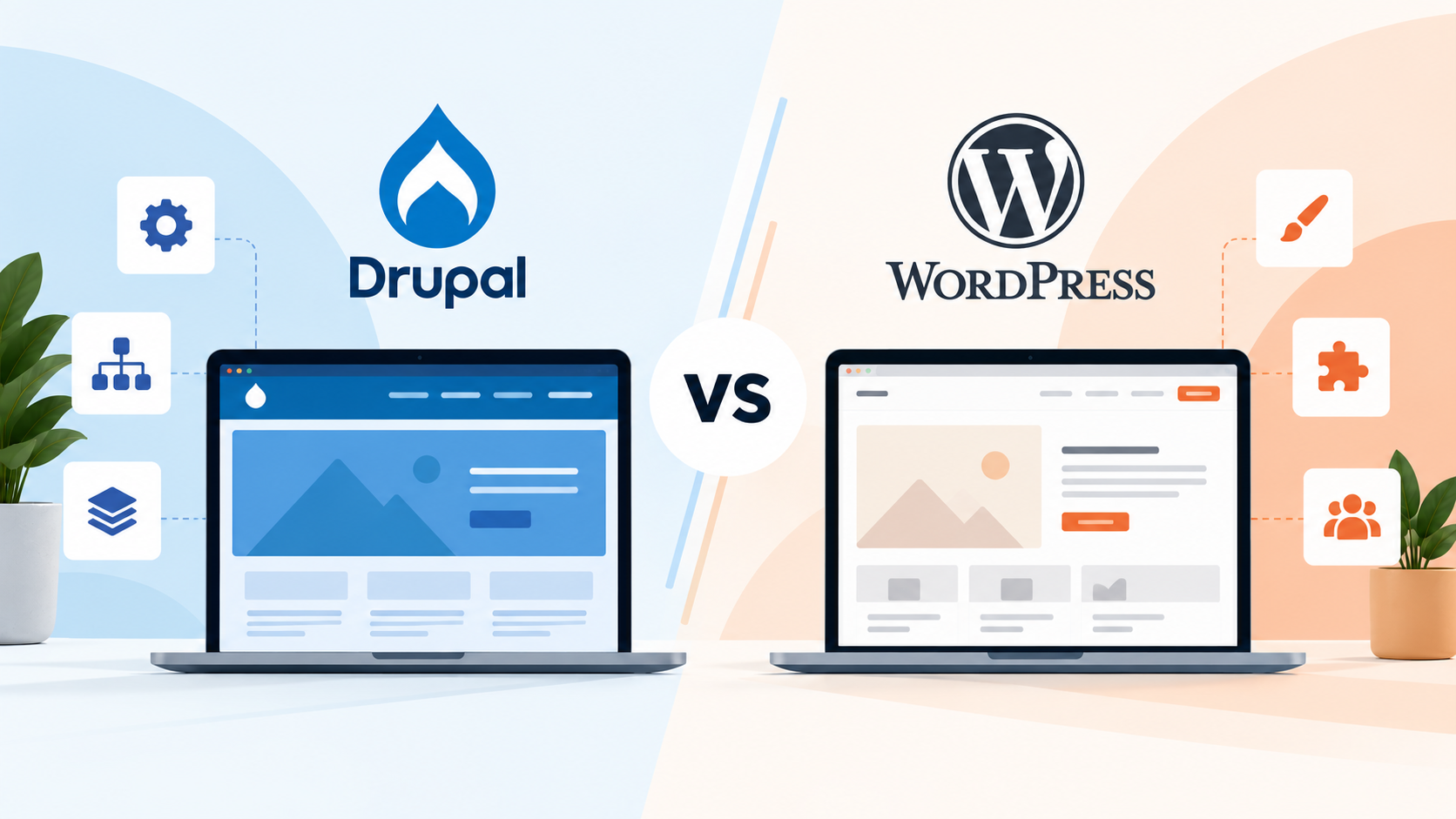
If you're choosing a CMS for a new website, Drupal and WordPress usually end up on the shortlist. Both are free, open source, and mature, and both run websites for universities, government agencies, and large companies. The difference is in what each one is designed to do well.
WordPress is built to make publishing easy. Drupal is built to handle complex, structured content with tight control over who can do what. Most websites fall clearly on one side of that line, and picking the wrong platform means either paying for complexity you don't need or running into limits a year after launch.
We build on both platforms, so we see the trade-offs from each side. Below, we compare Drupal and WordPress on ease of use, content structure, security, performance, and cost, and explain when each one makes sense.
Drupal vs WordPress at a glance
Here is how the two platforms compare on the points that usually decide the choice.
For most marketing sites and small to mid-size businesses, WordPress is the practical choice. Drupal makes sense when your content is complex, your editorial team is large, or your security requirements are strict.
What is WordPress?
WordPress launched in 2003 as a blogging tool and is now the most widely used CMS in the world. W3Techs data from October 2026 shows it running on 40.1% of all websites, or 58.6% of sites that use a known CMS.
Most people choose WordPress because it is easy to work with. The block editor lets marketing teams create and update pages without a developer, and the plugin library covers almost any feature you might need, from contact forms to online stores. For a company website or blog, that combination usually covers everything.
What is Drupal?
Drupal was first released in 2001. It runs on a much smaller share of the web, about 0.6% of all websites according to W3Techs, but that number hides where it is used. Drupal is common on large university sites, government portals, healthcare systems, and other websites with thousands of pages and many contributors.
What sets Drupal apart is how it handles content. Instead of organizing everything around pages and posts, it lets you define your own content types, such as courses, staff profiles, or events, each with its own fields and relationships. It also gives you detailed control over user permissions. Drupal 11 is the current major version, and the newer Drupal CMS package offers a friendlier starting point for marketing and content teams.
Key differences between Drupal and WordPress
Ease of use
WordPress is easier to learn, both for editors and for the people setting up the site. Most editors are comfortable in the dashboard within a day, and adding a feature often means installing a plugin and adjusting a few settings.
Drupal takes more technical skill to configure. Editors arrange pages with Layout Builder, and the admin experience has improved in recent versions, but how easy a Drupal site feels day to day depends heavily on how it was built. When the content types and workflows are planned well, editing is straightforward. When they are not, it gets frustrating quickly.
Content structure
Drupal's biggest advantage is the way it structures content. Say a university needs course pages that automatically show the instructor, department, and related programs. In Drupal, each of those is its own content type, connected through references and taxonomies, so updating an instructor's profile updates every page that mentions them.
WordPress can handle some of this with custom post types and plugins like Advanced Custom Fields, and that approach works well up to a point. Once a site has dozens of interconnected content types, though, the plugin-based setup becomes harder to maintain than Drupal's built-in model.
If your content is mostly standalone pages and articles, WordPress fits naturally. If it behaves more like a database of connected records, Drupal is usually the better match.
User roles and permissions
A standard WordPress site comes with five roles: administrator, editor, author, contributor, and subscriber. That covers most small teams. Plugins can add custom roles, but complex setups tend to get messy over time.
Drupal lets you create as many roles as you need and set permissions in detail. For example, the admissions team can edit only admissions pages, and their changes can go to a reviewer before they are published. For organizations where many departments share one website, this is often the deciding factor.
Multilingual sites
Drupal supports multiple languages in core, including translated content, menus, and interface text. WordPress needs a plugin such as WPML or Polylang to do the same. Both approaches work, but Drupal is usually the cleaner foundation for multilingual web design when a site runs in many languages.
Both platforms can also run multiple sites from a single installation, which is common for universities and government agencies with separate department sites.
Drupal vs WordPress security
WordPress core itself has a strong security record, and most problems start with third-party plugins and themes. Patchstack’s State of WordPress Security in 2026 report found 11,334 new vulnerabilities in the WordPress ecosystem in 2025, 91% of them in plugins. In practice, the security of a WordPress site depends largely on how many plugins it runs, who built them, and how consistently they are updated.
Drupal has a dedicated security team that reviews issues and publishes advisories for core and contributed modules. Its smaller module ecosystem and stricter coding standards also mean fewer weak points, which is part of the reason government, healthcare, and financial organizations often choose it. That said, Drupal still needs regular updates. Neither platform stays secure without maintenance.
Drupal vs WordPress performance
Either platform can be fast, and either can be slow. The build, caching setup, and hosting matter more than the CMS itself.
Drupal has strong caching in core and is designed for large sites with a lot of content and traffic. WordPress can perform just as well, but heavy themes, page builders, and too many plugins are the most common reasons a WordPress site is slow.
Plugins and modules
WordPress plugins are usually finished features. You install one, configure it, and it works. That is convenient, but plugins from different developers can overlap or conflict, and each one adds code that has to be kept up to date.
Drupal modules work more like building blocks that developers combine and configure. They give you more precise control over how a feature behaves, but they take more setup.
SEO
Neither platform gives you an SEO advantage on its own. WordPress sites typically rely on a plugin like Yoast or Rank Math for meta tags, sitemaps, and schema, while Drupal uses modules such as Metatag, Pathauto, and Simple XML Sitemap.
Rankings come down to the work done on the site: a clear URL structure, fast pages, correct redirects, structured data, and content that answers what people are searching for. A well-built site can rank on either platform.
How much do Drupal and WordPress cost?
Both platforms are free to download and use, so the cost is in building and running the site.
Development is the largest expense either way, and Drupal projects usually cost more because they involve more configuration, content modeling, and custom work. Developer rates widen the gap. There are far more WordPress developers available, which makes them easier to find and often less expensive, while Drupal developers are more specialized.
Hosting and maintenance follow a similar pattern. Basic WordPress hosting is inexpensive, while Drupal sites usually need more capable hosting. Both platforms need regular updates and security patches, and major Drupal upgrades can take more development time, all of which adds to the total website development cost over the life of the site.
Overall, WordPress is the more affordable option, and Drupal's extra cost only makes sense when you will actually use what it offers.
When to choose WordPress
WordPress is a good fit when you need a marketing site, company website, or blog, and your team wants to publish without relying on a developer. It also makes sense when your budget or timeline is tight, or when your content is mostly pages and articles, even if there are a lot of them.
That describes most small and mid-size businesses, along with plenty of larger organizations, and it is a big part of why so many teams use WordPress. Most of the WordPress problems we see come from plugin overload and years of quick fixes, so if you go this route, working with a WordPress development agency that keeps the build lean will save you trouble later.
When to choose Drupal
Drupal is worth considering when:
- Your site has many types of content that need to connect, such as programs, people, locations, and events
- Several departments publish to the same site, each with its own permissions and approval steps
- You publish in multiple languages or manage a group of related sites
- Legal or IT has strict security, accessibility, or compliance requirements
- The site needs to integrate with systems like a CRM, ERP, or student information system
- You plan to send content to apps or other channels, not just the website
This is why Drupal is so common in higher education, government, healthcare, and large nonprofits. It is also why most of these organizations hire a Drupal web development agency instead of a single freelancer. The content model, permissions, and integrations need to be planned together before design starts, and that planning is what keeps the site manageable after launch.
Drupal vs WordPress for enterprise
Both platforms run large enterprise websites, so company size alone will not settle the question. What matters is governance and complexity.
Drupal usually suits enterprises that need detailed permissions, connected content, many languages, or many sites on one platform. WordPress suits enterprises whose main priority is publishing speed and giving the marketing team more independence. In enterprise web development, the CMS choice usually follows from these governance questions, not the other way around.
Switching between Drupal and WordPress
Organizations move in both directions. Some outgrow WordPress and need Drupal's structure and permissions. Others move an older Drupal site to WordPress to make editing easier and to widen the pool of developers they can hire.
Content usually transfers without much trouble. Pages, posts, images, and basic metadata can be moved with scripts or migration tools. Functionality is a different story. Drupal's content types, views, and custom modules have no direct equivalents in WordPress, and the same is true in reverse, so those parts have to be rebuilt.
The step that most often goes wrong is SEO. Every old URL needs a 301 redirect to its new address, and metadata, internal links, and structured data need to carry over, so redirect mapping should be planned early in the website migration process, not after launch.
How to decide between Drupal and WordPress
These questions usually point to the right answer. If you answer yes to several of them, Drupal is likely the better fit. If most of your answers are no, WordPress will probably serve you well.
- Do you have many types of content that need to link to each other?
- Will several people or departments publish to the site with different permissions?
- Do you need the site in multiple languages, or do you manage several sites?
- Do you have strict security, compliance, or accessibility requirements?
- Does the site need deep integrations with internal systems?
- Do you have the budget for a more custom build and specialized ongoing support?
If you land somewhere in the middle, either platform could work, and the decision will come down to your team, your existing systems, and where the site is headed. That is a good time to talk it through with a team that builds on both.
Frequently asked questions