.svg)


Signs You Need a Website Redesign
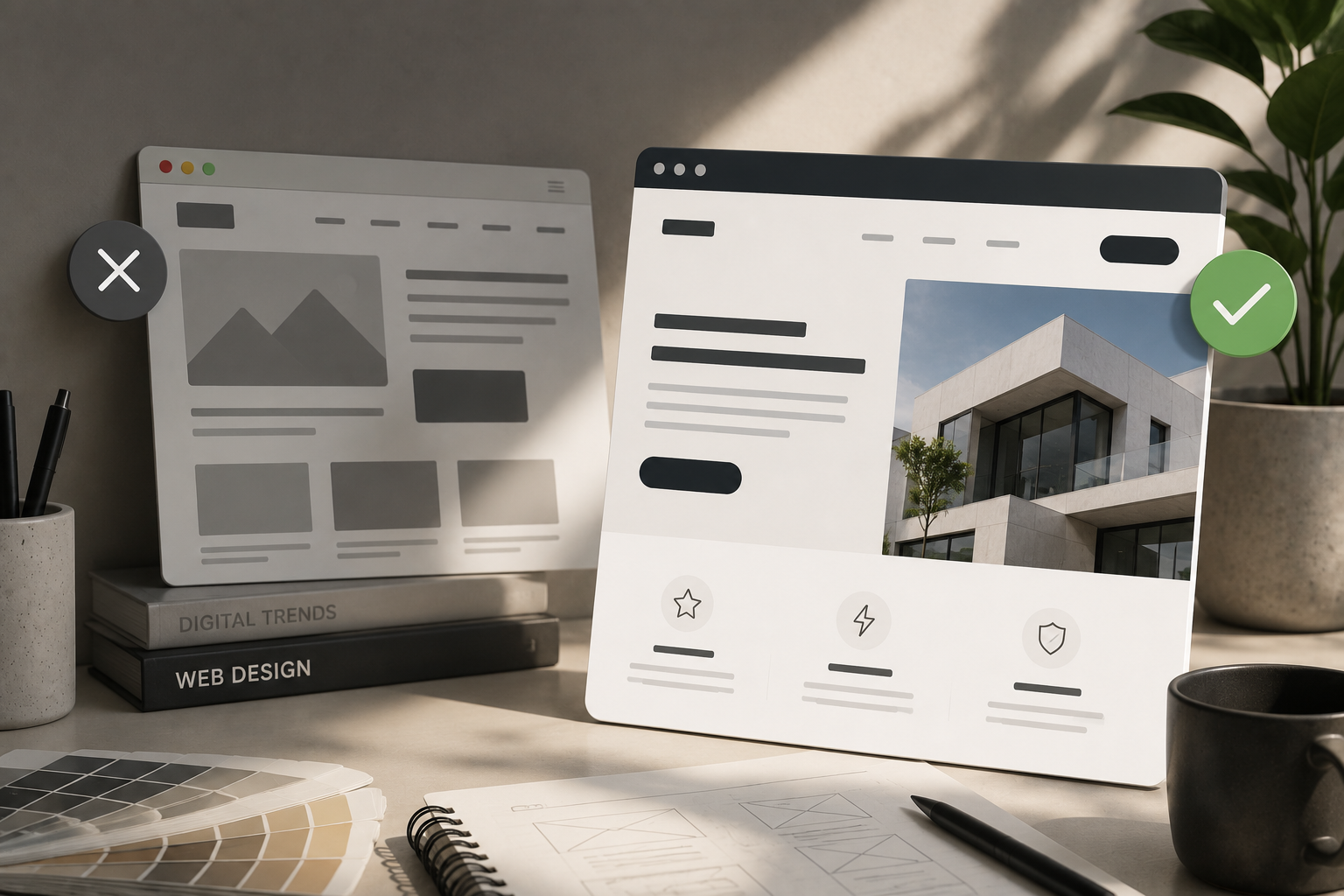
Most business owners don't wake up one day and decide their site needs a redesign. It usually starts with a feeling: the site looks a little tired, something isn't loading right, a new competitor's site makes yours look dated by comparison. The question isn't whether the feeling is valid. It's whether what you're noticing actually requires a full redesign, or just a targeted fix.
This guide covers the clearest signs you need a website redesign, what's actually causing each problem, and how to tell whether you're looking at a rebuild or something smaller. Not every sign on this list means starting from scratch, but several of them together usually do.
TL;DR
- Slow load times and failing Core Web Vitals are measurable signals, not just a feeling.
- Poor mobile experience is one of the most common and most costly signs to ignore.
- High bounce rates and short sessions usually point to a UX problem, not a traffic one.
- Traffic without conversions means the structure isn't guiding visitors toward action.
- A brand that has evolved past its website is a real and fixable mismatch.
- A CMS you can't update without a developer is a business cost, not just a frustration.
- Declining SEO often points to a structural foundation issue, not a content one.
- If your competitors' sites feel more credible than yours, your potential customers are noticing too.
1. Your site is slow and Core Web Vitals are failing
Page speed isn't a subjective complaint. Google's Core Web Vitals give you measurable data on how fast your pages load, how stable they are as content renders, and how quickly they respond to user input. If those scores are failing, your site is being penalized in search rankings and losing visitors before they see your offer.
The important diagnostic question here is whether the speed problem lives at the surface or the foundation. Compressing images, switching to a faster host, or enabling caching can solve a speed problem without a redesign. But if the underlying theme is bloated, the codebase is outdated, or the site is stacked with conflicting plugins, a rebuild on a clean foundation will outperform any amount of patching. Run a Google PageSpeed Insights check first and look at where the failures are actually coming from before assuming a full redesign is the answer.
2. It doesn't work properly on mobile
Mobile devices now account for the majority of web traffic, and Google indexes the mobile version of your site first. If your site requires pinching and zooming, has text that's too small to read, navigation that's hard to tap, or layouts that break on smaller screens, you're losing visitors immediately, and ranking lower in the process.
It's worth distinguishing between a site that's technically responsive but poorly optimized for mobile and one that genuinely wasn't built for it. A responsive design adjusts to different screen sizes automatically, but responsiveness alone doesn't guarantee a good mobile experience. If the mobile version feels like a shrunken desktop site rather than something designed for how people actually use their phones, that's a structural problem worth addressing in a redesign rather than patching with CSS fixes.
3. Your bounce rate is high and sessions are short
A high bounce rate means visitors are landing on your site and leaving without going anywhere else. Short average session times mean they're not sticking around long enough to read what you've written or find what they need. Both are signals worth taking seriously, but they're diagnostic signals, not verdicts.
Before assuming a redesign is the answer, check whether the bounce is coming from one specific page or across the whole site. A single underperforming landing page is a different problem from a site-wide UX issue. Pull your engagement data in GA4 and look at which pages are driving the highest exit rates. If it's everywhere, the navigation, layout, or page structure likely needs rethinking at a foundational level.
4. You're getting traffic but no conversions
This is one of the most commonly misdiagnosed signs. If your site gets visitors but few form submissions, calls, or inquiries, the instinct is often to drive more traffic. The real issue is usually structural: the page isn't guiding visitors toward a clear next step, the calls to action are weak or buried, or there's a disconnect between what a visitor expects to find and what they actually land on.
Conversion problems are sometimes solvable without a full redesign. Clearer CTAs, better page hierarchy, and stronger trust signals can move the needle without rebuilding from scratch. But if the conversion problem runs through every page and the site's overall information architecture is working against the goal, a redesign that's built around the conversion path from the start will outperform incremental fixes stacked on a structure that wasn't built to convert.
5. The design no longer reflects your brand
Brands evolve. Services change, audiences shift, a rebrand happens, and the website never quite catches up. The result is a mismatch between who the business actually is and what someone sees when they land on the site. That gap costs trust, especially when a visitor is comparing you directly against a competitor whose site looks and feels like a current, credible business.
This sign doesn't always require a full redesign. If the structure is sound and the content is accurate but the visual identity is just dated, a design refresh without a structural rebuild might be enough. If the mismatch also affects the brand's positioning, messaging, and visual identity, website rebranding may be the better solution. But when the navigation and page structure no longer match how the business operates, that is a stronger argument for rebuilding the site as well.
6. You can't update it without a developer
If adding a new team member, changing your pricing, updating a service description, or publishing a blog post requires filing a request and waiting for a developer, your CMS is working against you. Content goes stale because updating it is too hard, which means visitors see information that's no longer accurate and search engines see pages that haven't been touched in months.
A CMS migration can sometimes solve this without a full redesign. A well-planned website migration process helps move content, URLs, and SEO value to a more manageable platform while reducing the risk of broken pages, lost rankings, or missing content. But if the site was built on a heavily customized or outdated theme, migrating content often means rebuilding anyway. The question is whether the current site's structure is worth preserving or whether a cleaner build with a proper editor would serve the business better long-term.
7. Your SEO has declined or never gained traction
If organic traffic has been trending downward and you can't point to a specific cause, the site's technical foundation is worth examining. Broken internal links, poor URL structure, missing or duplicated meta tags, no schema markup, disorganized heading hierarchies, and slow page speed all compound into a site that search engines struggle to crawl and rank. These issues are common on older sites that were built before modern SEO best practices were standard.
A technical SEO audit can isolate which issues are fixable on the existing site and which ones point to a deeper structural problem. If the list of fixes is long, interconnected, and touches the site's core architecture, a redesign built on a clean foundation is often more cost-effective than retrofitting a site that wasn't built with SEO in mind.
8. Your competitors' sites feel more credible than yours
Pull up your top three competitors' sites and look at them next to yours. This is uncomfortable but useful. If their sites feel faster, more modern, and more trustworthy, the people comparing you are noticing the same thing. First impressions happen in seconds and are overwhelmingly visual. A visitor who gets a "this feels outdated" read on your site will often leave before reading a single word.
This doesn't mean you need the flashiest site in your category. It means your site needs to communicate competence and credibility at least as well as the businesses your prospects are comparing you against. If it doesn't, you're losing deals before the conversation even starts.
9. Redesign vs. refresh: how to tell which one you actually need
Not every sign on this list requires starting over. A targeted refresh makes sense when the problems are specific and isolated: one slow page, one outdated section, a visual identity update that doesn't require restructuring. A full redesign - specifically custom web design services built from scratch rather than another template - makes sense when the problems compound: when the site's structure, speed, mobile experience, brand alignment, and CMS are all working against the business at the same time.
A rough way to think about it: if one or two of the signs above apply, targeted fixes are worth trying first. If four or more apply, especially if they include the structural ones (mobile, speed, CMS, SEO foundation), a redesign is likely the more efficient investment, since patching a site with deep structural problems costs more over time than rebuilding it correctly once.
Ready to find out what your site actually needs?
Not every site with a problem needs a full rebuild, and not every site that looks fine is actually performing. If you're unsure which category you're in, that's usually where it helps to bring in a second set of eyes. Our web design team works through exactly this kind of diagnostic before any redesign work starts, so the scope is based on what the site actually needs, not a default assumption that everything has to go.
Frequently Asked Questions
How do I know if I need a website redesign or just a few updates?
Look at how many of the signs above apply to your site and whether the problems are isolated or systemic. One slow page or one outdated section is a fix. Broken mobile experience, declining SEO, a CMS you can't update, and a design that no longer reflects your brand all together point to a redesign.
How often should a website be redesigned?
There's no fixed schedule. Most sites benefit from a meaningful update every three to five years, but the more useful trigger is whether the site is still accurately representing the business and performing for the goals you need it to hit, not how old it is.
Will a website redesign hurt my SEO?
It can, if it's handled poorly. A redesign that changes URLs without proper redirects, removes content, or loses existing page structure can cause a ranking drop. A well-managed redesign that improves technical SEO, speed, and content structure should improve rankings over time.
What's the difference between a website refresh and a full redesign?
A refresh updates the visual layer: colors, typography, imagery, and design details, without restructuring the site's pages or rebuilding the underlying code. A full redesign rethinks the site's structure, navigation, page hierarchy, and often the platform it's built on.
How long does a website redesign take?
It depends on scope. A straightforward small business site might take six to ten weeks. A multi-page site with custom functionality, content migration, and integrations can take four to six months. Most of the timeline goes into strategy, content, and feedback rounds, not just the design itself.